
Install the Chrome Extension
The Newsroom Heads Up Display (sometimes called the “Overlay”) is an extension for the Chrome browser that displays data from Front Page dashboard when you’re looking at a dashboard page and allows you to start A/B tests without opening the Newsroom site.
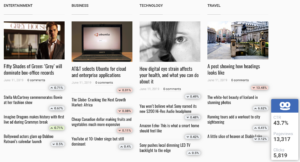
To install the Newsroom extension, please visit this url using Chrome and click “Install”: https://chrome.google.com/webstore/detail/taboola-overlay/hmmcpmedeafpgbapmiakiiapdjdljcpn/related
How to Update the Newsroom Chrome Extension
Automatically
The Chrome Browser periodically checks for new versions of the installed extension and it automatically updates without user intervention. However, it can take up to several hours for the browser to detect that a new version of the extension is out.
Manually
Although the Chrome browser automatically checks for and installs updates every few hours, here is how to manually update your extension:
- Open your Chrome browser
- At the top right, click More
More Tools > Extensions.
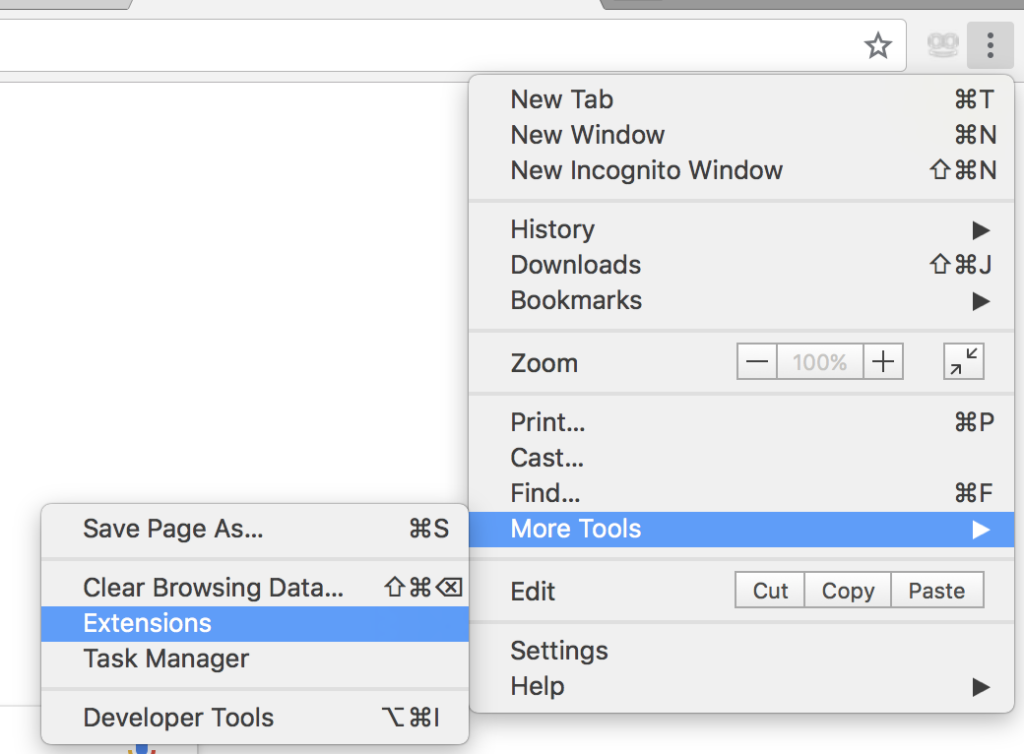
- At the top right of the extensions page, click on the “Developer Mode” toggle to turn it on.

- The option to “Update” should appear. Click “Update” and all extensions should update.
